


 English
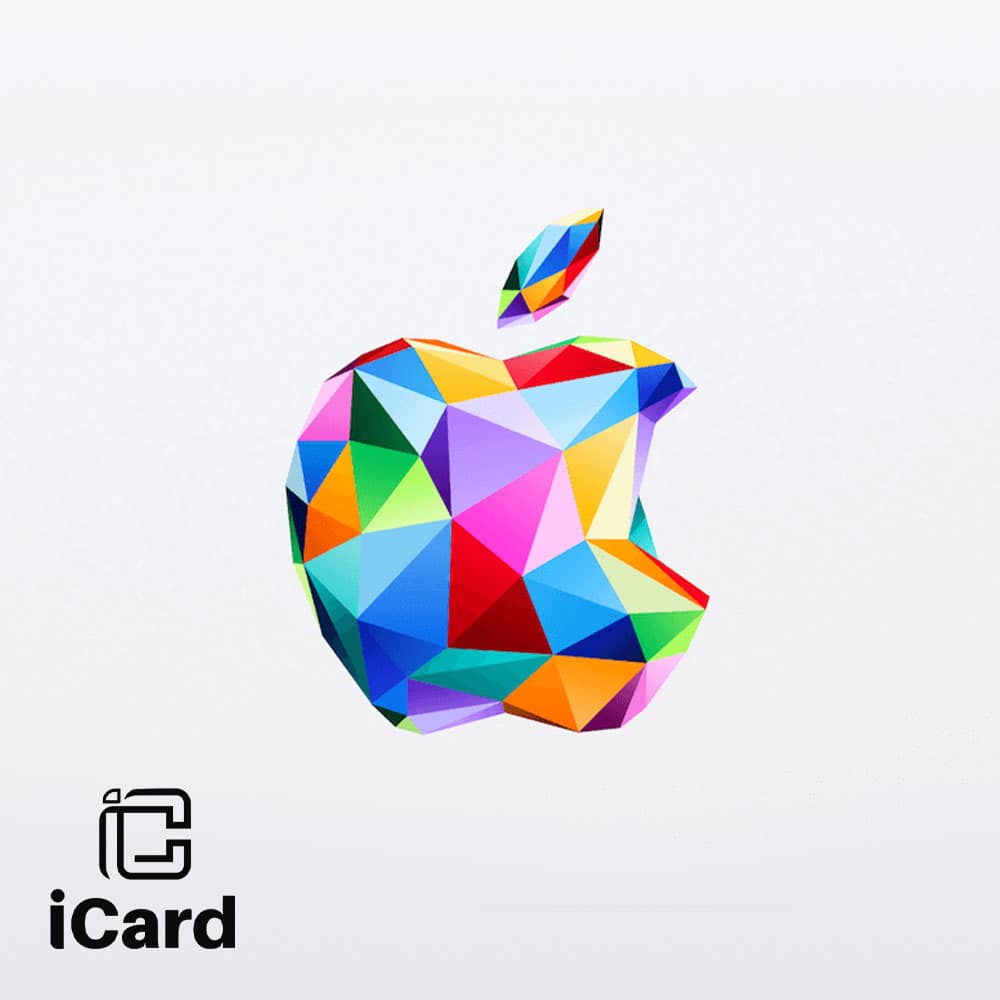
بطاقة هدايا ابل ايتونز ياباني
بطاقة ابل ايتونز متجر ياباني
مثالي لمحبي التطبيقات والألعاب والموسيقى والأفلام والبرامج التلفزيونية والكتب وغيرها. استخدم بطاقة الهدايا الخاصة بك في متجر التطبيقات، أو متجر iTunes، أو متجر تطبيقات Mac، واستمتع بمشترياتك على جهاز Mac/PC، أو iPhone، أو iPad، أو iPod، أو Apple TV.
الشروط
للاطلاع على الشروط والأحكام، تفضل بزيارة: https://www.apple.com/jp/legal/internet-services/itunes/giftcards/jpen/terms.htm
كيفية استخدام ابل ايتونز متجر ياباني
حدد المكان الذي تريد استخدام بطاقتك فيه: iPhone، أو iPad، أو iPod touch، أو iTunes على جهاز Mac أو PC، أو Mac App Store، أو iBooks على جهاز Mac iPhone أو iPad أو iPod touch:
1. انقر على iTunes Store، أو App Store، أو iBooks Store على جهازك.
2. مرر لأسفل قسم "المميزة" وانقر على "استرداد". ستحتاج إلى تسجيل الدخول باستخدام معرف Apple الخاص بك.
3. انقر على "يمكنك أيضًا إدخال الرمز يدويًا". في بعض البلدان، يمكنك استرداد بطاقات الهدايا باستخدام الكاميرا المدمجة.
4. أدخل رمز الهدية أو المحتوى، ثم انقر على "استرداد". إذا كانت لديك بطاقة هدايا iTunes، فاستخدم الرمز المكون من 16 رقمًا الموجود على ظهر البطاقة والذي يبدأ بعلامة X.
5. بعد استرداد رمز بطاقة الهدايا، سيتم تحديث رصيد حساب iTunes الخاص بك. قد تحتاج إلى تسجيل الخروج ثم تسجيل الدخول مجددًا إلى جميع أجهزتك ليظهر رصيدك. يمكنك العثور على رصيدك أسفل معرف Apple الخاص بك.
6. إذا استخدمت رمز محتوى، فسيبدأ تنزيل المحتوى.
بطاقة ابل ايتونز 3000 ين ياباني
المتجر






























 iCard
iCard




 |
|